• GIBBER        
  • Tutorials
    • Demos
      • Your Files
        • Save
        • Join Session

        • Help
          • About
          • Reference
          • Intro Tutorial
          • Quickstart
          • Key Commands
          • Website
          • Forum

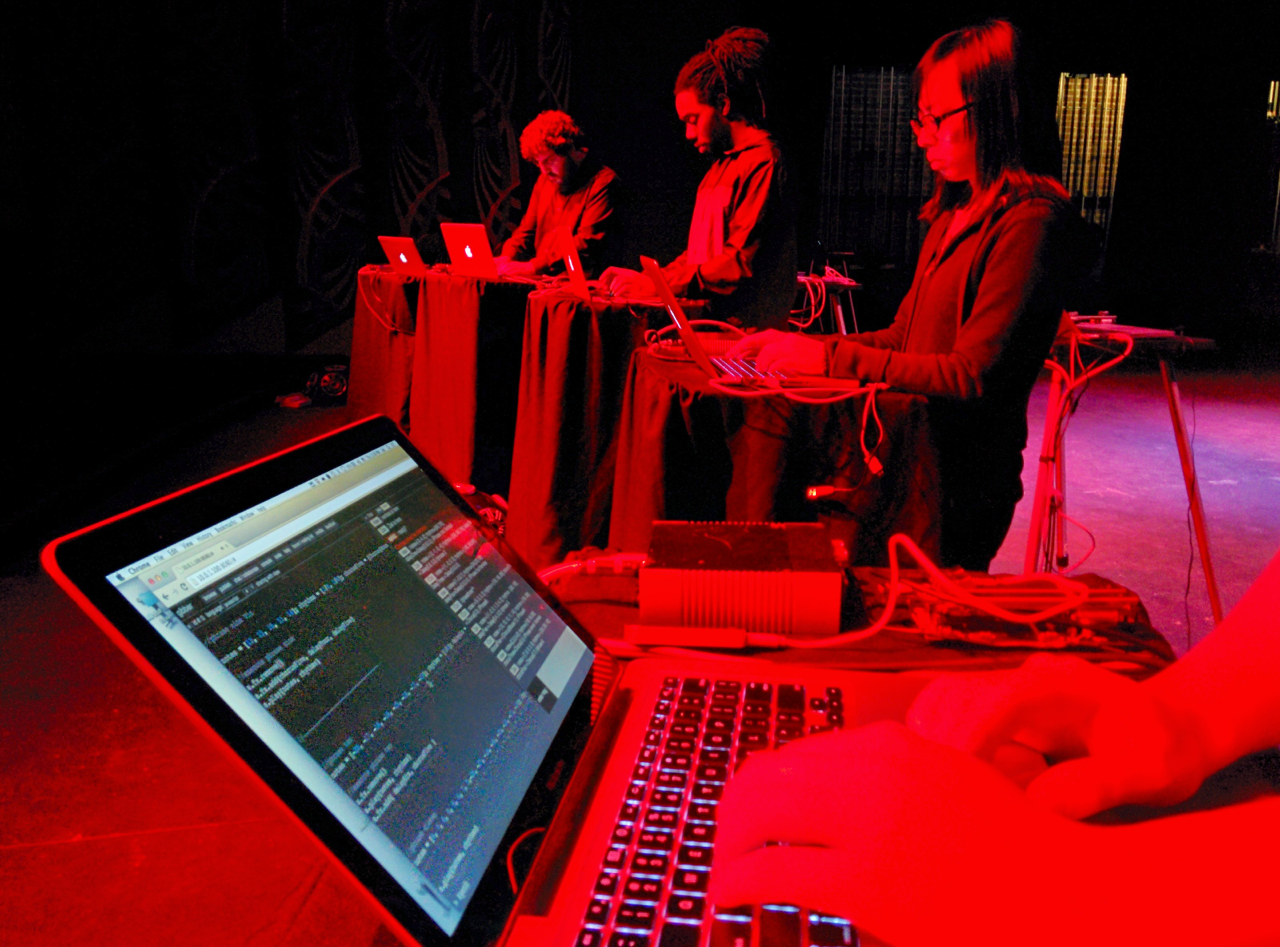
        Gibber is a JavaScript live coding environment with a relatively easy syntax. Gibber works in Chrome and Safari 6 or higher. Gibber is open-source and available for download.

        Other projects/code that contribute to Gibber:

        • CodeMirror
        • jQuery
        • teoria.js
        • Design Chemical Mega Menu
        • SimpleModal jQuery plugin
        • Node.js
        • Freesound.org

        Learn more about live coding at Toplap.org

        Some live coding environments that were particularly inspiring to this project:

        • ixi lang
        • Livecodelab
        • ChucK
        • Ctrl-Return 
          executes selected code. If no code is selected current line of the cursor is run.
        • Ctrl .
          toggles the audio on and off
        • Ctrl-Shift-Return
          executes code at the start of the next measure.
        • Ctrl-Shift-Alt/Option-Return
          select and execute block of code.
        • Ctrl +- (Cmd +- on OS X) 
          change font size up and down.
        • Click on a line of code.
        • Hit Ctrl-return to execute the selected line.
        • You can also highlight multiple lines to be executed at once. Most of the tutorial files that come with Gibber are designed to be run one line at a time.
        • Shift-ctrl-return executes code at the start of the next measure; this is useful to ensure the timing of arpeggios, drum beats, etc. line up correctly.
        • To kill current oscillators / fx in memory, hit Cntrl-. (period).
        • Under the Load menu, try different files to learn how things work.
        • Check out the documentation and visit the forum to ask questions!
        ▼
        >